
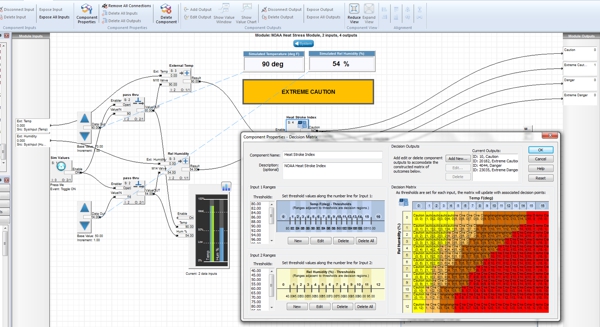
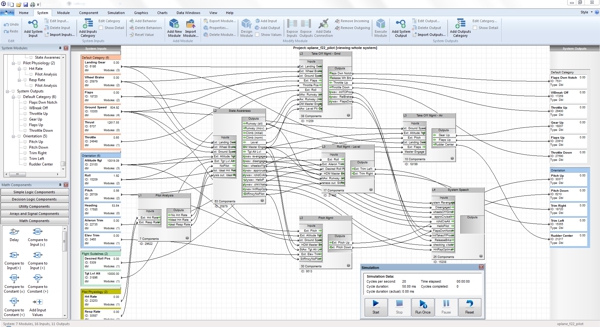

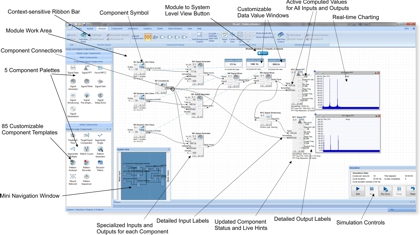
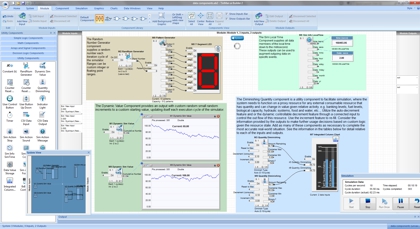
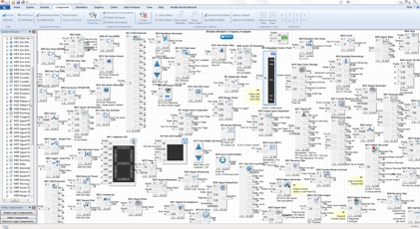
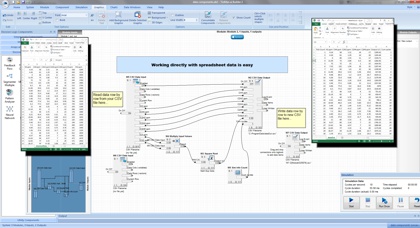
During simulation within the IDE, the values of the various system inputs often change at a rapid pace. By representing these values visually, the user can gain quick insight to overall status of incoming data. AI Builder 3 supports live connection to external system sensors via TinMan RealTime, from TinMan Satellite Sender, direct from sensors via UDP. There are 4 basic types of gauges that can be added to the gauges view pane: Bar Chart, Column Chart, Circle Gauge and Data Value Only Gauge.

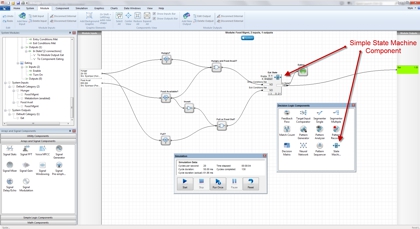
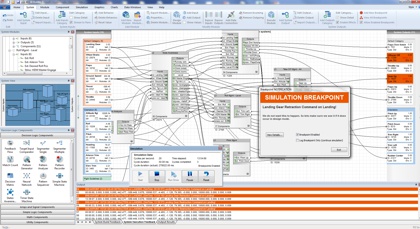
A simulation breakpoint is a condition or set of conditions where one or more system outputs has a final computed value that meets certain criteria. This condition is checked at the end of each execution cycle during simulation (sometimes 10-50 times per second), and if met, the simulator halts, produces and logs the alert associated with the breakpoint. Any number of outputs can be tested in any one breakpoint. Each breakpoint contains at least one condition (where an output value is equal to, less than or greater than a provided value). Custom colors and alerts can be applied to each type of breakpoint.


 Download a Free Trial Now